
Create motion graphics, intros and thumbnails with AI
Describe the animation you want and AI designs it for your video, using your Brand Kit logo and colours. Change it by sending another message, with no animation software.
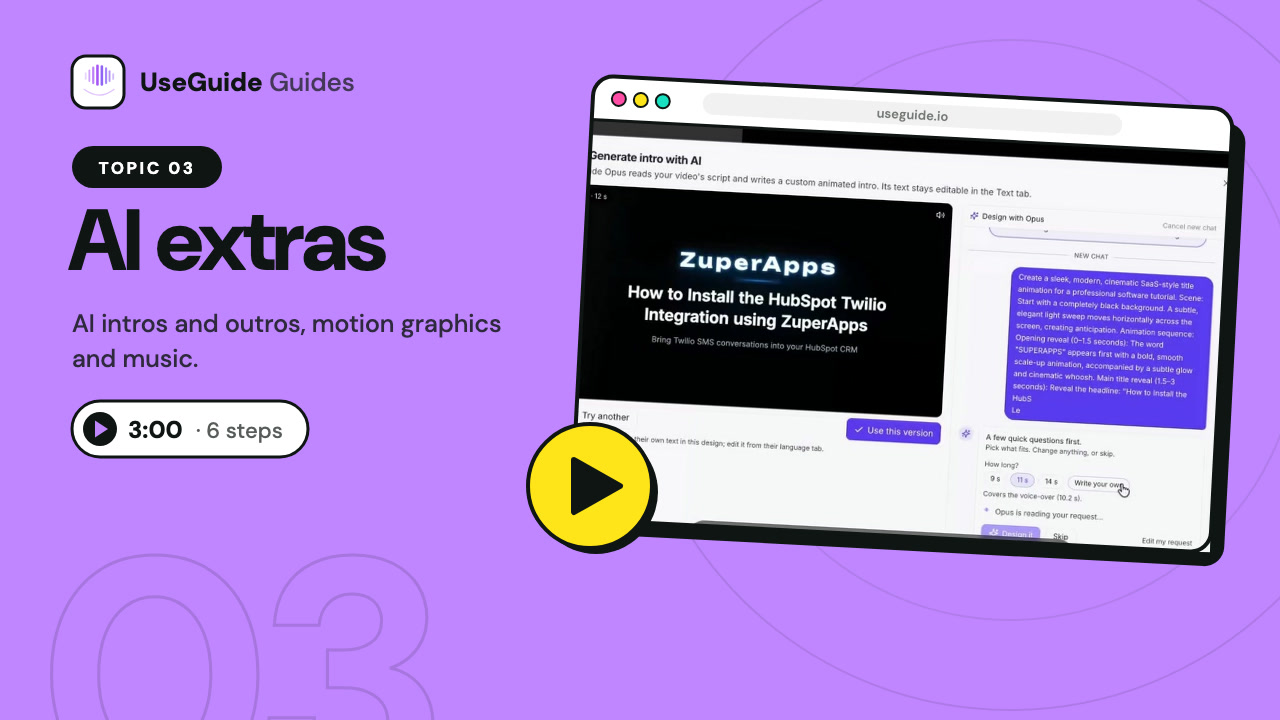
How AI motion graphics works
- 1
Describe it
Open AI Motion and say what you want: three checkmarks appearing, a title reveal, a highlight.
- 2
Place it
Choose Overlay or Full frame and how long it lasts, then add it at the playhead.
- 3
Refine it
Send another message to change colours, timing or wording.
What you can do with AI motion graphics
AI Motion
Animations made from a chat, placed on their own lane of the timeline.
AI intro and outro cards
AI reads your script, asks about length and sound, and designs the card.
AI thumbnails
A cover image for every video, made from your script and brand.
On brand
Your Brand Kit logo and colours go into the design.
AI music
Describe the mood and get a track that fits your video.
Who uses AI motion graphics
Launch videos
A polished intro without an animation tool.
Explain a concept
Show steps or numbers as motion, not just words.
A thumbnail people click
Every tutorial gets a clear, on-brand cover.
Questions about AI motion graphics
Works well with
Try AI motion graphics free
Create a free account, add the Chrome Recorder, and make your first tutorial today.