
Turn your recording into a clear script and AI voiceover
UseGuide transcribes what you said into a script split into scenes. Fix any word, let AI Rewrite tidy the wording, and generate a natural AI voice, without recording again.
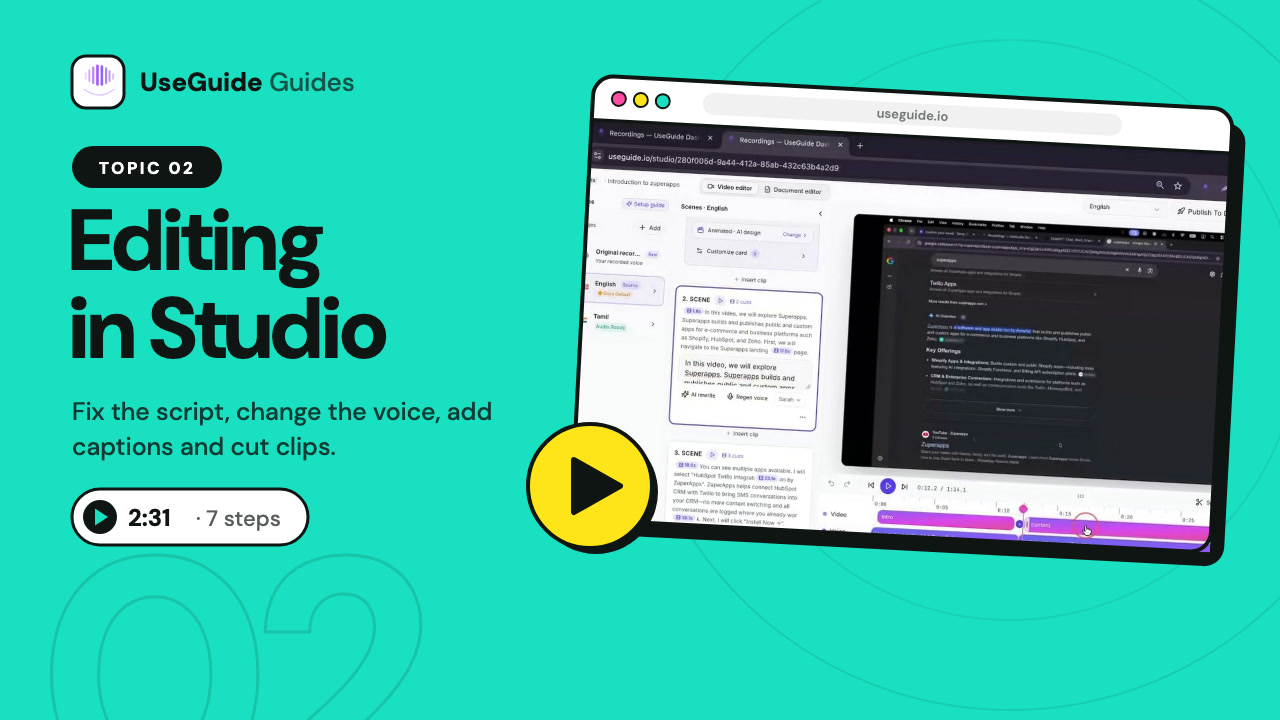
How AI script and voiceover works
- 1
Get your script
Extract Transcript turns what you said into text, split into scenes. Recorded without talking? UseGuide can write it from your clicks.
- 2
Fix and polish
Change any words in a scene, or use AI Rewrite to tidy every scene at once.
- 3
Choose a voice
Pick a voice by language, gender and accent, set the pace and tone, and generate the narration.
What you can do with AI script and voiceover
Script in scenes
Every scene has its own script box, so a fix stays small.
AI Rewrite
Tidy every scene at once or just one, and undo if you prefer your words.
Natural AI voices
Filter by language, gender and accent, and give a scene its own voice.
Script from your clicks
Silent recording? UseGuide writes a script from what you clicked.
Captions included
Show captions in the player or burn them into the video, in your style.
Who uses AI script and voiceover
No more re-recording
Fix a sentence instead of recording the whole video again.
A consistent voice
Every tutorial sounds clear and calm, whoever recorded it.
Silent recordings
Record the clicks now, add the words later.
Questions about AI script and voiceover
Works well with
Try AI script and voiceover free
Create a free account, add the Chrome Recorder, and make your first tutorial today.