
Turn every video into a step-by-step guide
UseGuide writes a step-by-step guide from each recording, with numbered steps and a screenshot for every step. People can watch the video, read the steps, or download them as a PDF.
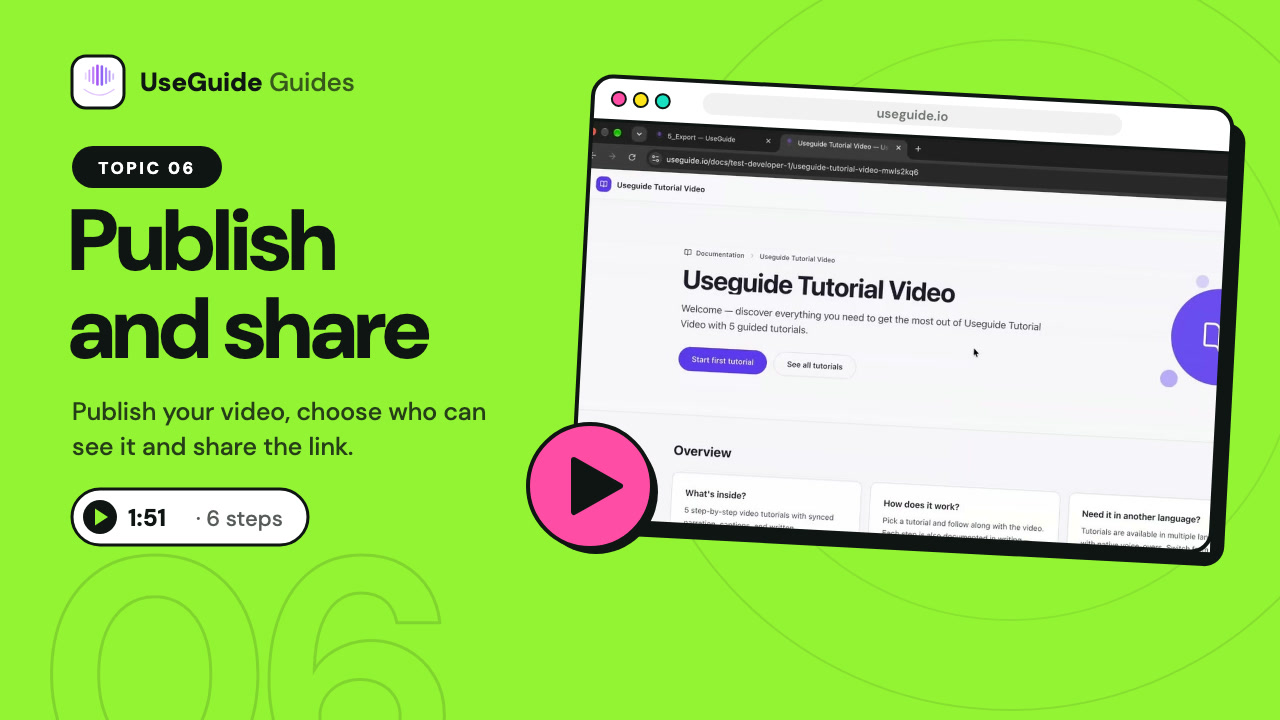
How step-by-step guides works
- 1
Record once
Make your recording as usual.
- 2
Get the guide
Open the Document editor and UseGuide writes the steps from your video, with a screenshot for each.
- 3
Publish both
Viewers watch the video or follow the steps, and can export them as a PDF.
What you can do with step-by-step guides
Written for you
Steps are written from your recording the first time you open the Document editor.
Screenshots for each step
Taken from your recording, so they match what people see.
Edit anything
Change a step's text or picture whenever you like.
PDF export
Viewers can download the steps as a PDF.
Who uses step-by-step guides
People who prefer reading
Not everyone wants to watch. Give them both.
Searchable help
Written steps help people and search engines find answers.
Printable SOPs
Turn a process video into a document your team can follow.
Questions about step-by-step guides
Works well with
Try step-by-step guides free
Create a free account, add the Chrome Recorder, and make your first tutorial today.