
Edit screen recordings in your browser
UseGuide Studio is a browser-based video editor made for tutorials. Cut and trim scenes, zoom in on clicks, add captions, music, highlights and intro cards, all without installing anything.
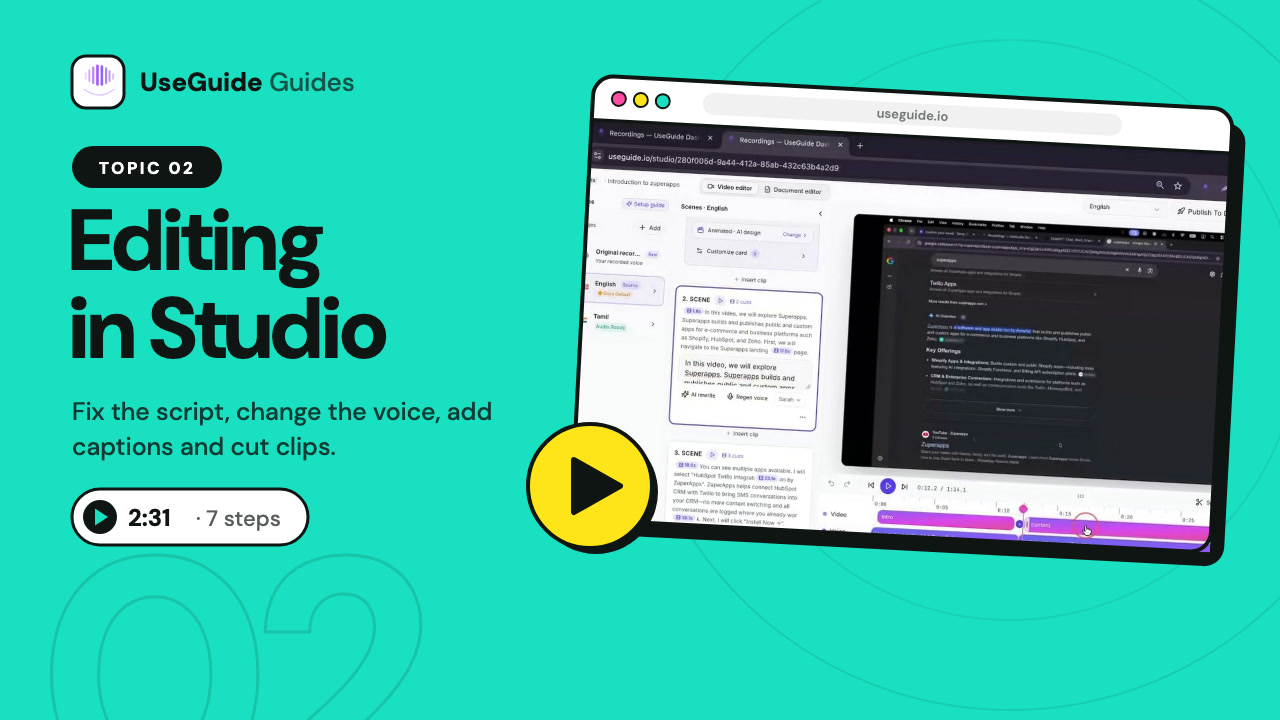
How the UseGuide video editor works
- 1
Cut and trim
Split a scene at the playhead, delete what you don't need, and drag a clip's edges to trim.
- 2
Add motion and sound
Turn on zoom on clicks and while typing, and pick click and typing sounds.
- 3
Finish it
Add captions, background music, highlights and your intro and outro cards.
What you can do with the UseGuide video editor
Split, delete and trim
Press S to split at the playhead; edits keep their part of the voice.
Zoom on clicks and typing
The camera follows what matters, automatically.
Click and typing sounds
Small sounds that make every action easy to follow.
Highlights on screen
Add a zoom, blur, callout or spotlight and drag it into place.
Music
Pick a stock track, upload your own, or make one with AI.
Intro and outro cards
Start and end every video the same, on-brand way.
Who uses the UseGuide video editor
Polished in minutes
Turn a quick recording into something you're happy to share.
Hide sensitive details
Blur emails, keys or customer data before it goes out.
One look for every video
The same intro, outro and style across your team.
Questions about the UseGuide video editor
Works well with
Try the UseGuide video editor free
Create a free account, add the Chrome Recorder, and make your first tutorial today.