
Translate your videos into 40+ languages, with lip sync
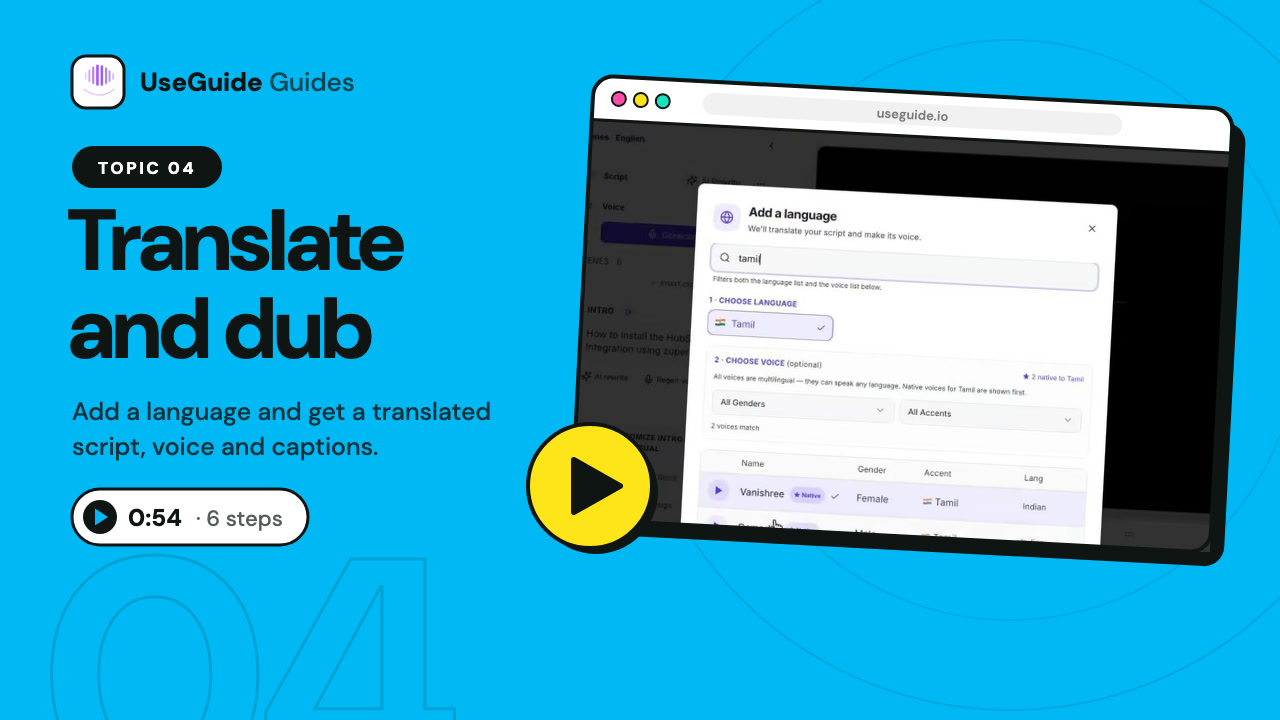
Add a language and UseGuide translates the script, creates a natural AI voice and matching captions. On-camera videos can use lip sync, and viewers choose their language in the player.
How video translation works
- 1
Add a language
Pick a language and UseGuide translates your script and makes the voice.
- 2
Check and fix
Change any scene's words, pick another voice, or rewrite a scene with AI.
- 3
Publish every language
Viewers switch language in the player, on your share link, embed and help hub.
What you can do with video translation
40+ languages
A translated script, voice and captions for each one.
Lip sync
On-camera videos can match your lips to the translated voice.
Edit any scene
Fix a translation and regenerate just that scene's voice.
A voice per language
Choose the voice that fits each audience.
A language menu for viewers
One link, every language, including your original voice.
Who uses video translation
Global customers
Help every customer in the language they think in.
Localized onboarding
One onboarding video for every market.
Multilingual teams
Train everyone without recording it again.
Questions about video translation
Works well with
Try video translation free
Create a free account, add the Chrome Recorder, and make your first tutorial today.