
Publish a branded help center for your video tutorials
Every UseGuide project is also a help hub: your videos and step-by-step guides organized like a course, in your brand and in every language you translate.
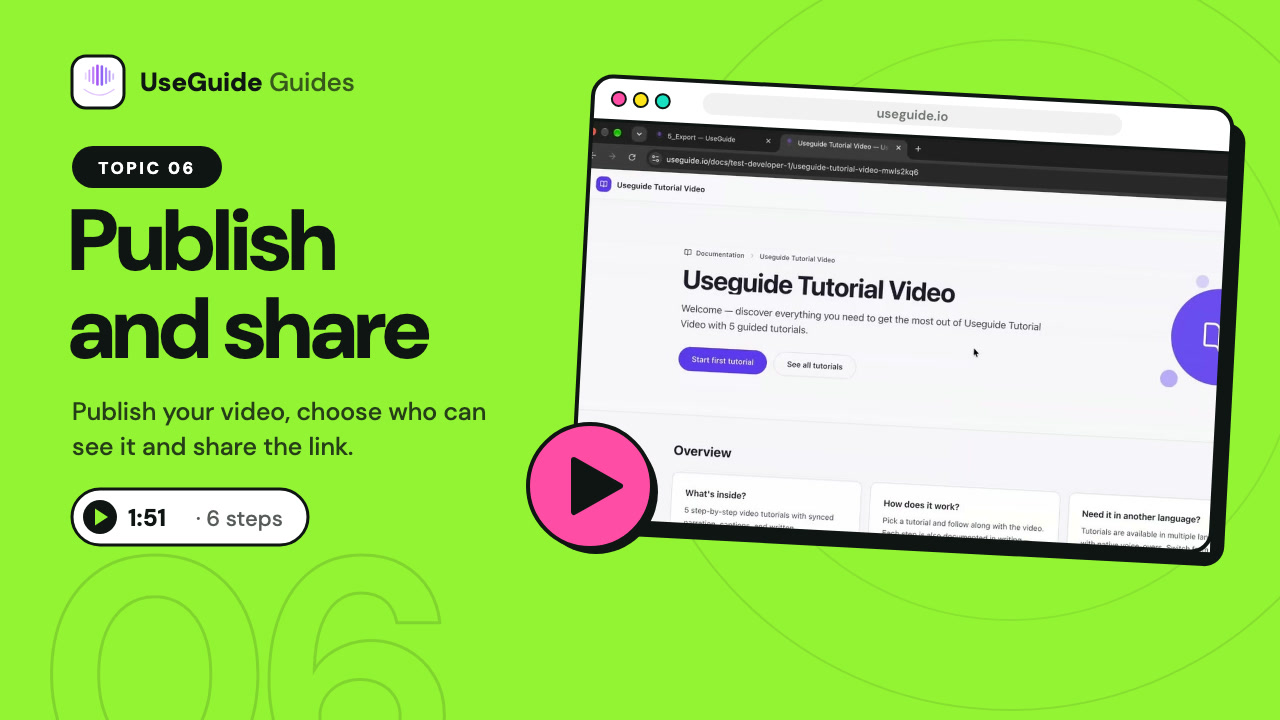
How the help hub works
- 1
Group your tutorials
Put recordings into a project. Every project is also a hub.
- 2
Make it yours
Your logo and colours, and hub text written from your tutorials.
- 3
Share it
Keep it private, share a link, or make it public and findable.
What you can do with the help hub
Course-style chapters
Viewers move through your tutorials in order.
Videos and steps together
Each tutorial has its video and its written guide.
Written for you
The hub's welcome line and descriptions are written from your tutorials.
Your brand
Your logo and colours from the Brand Kit (Pro).
Every language
Viewers read and watch in the languages you translated.
You choose who sees it
Private, anyone with the link, or public.
Who uses the help hub
Customer help center
Answers your customers can find on their own.
Onboarding course
A guided path for new customers or new hires.
Partner enablement
Everything partners need in one link.
Questions about the help hub
Works well with
Try the help hub free
Create a free account, add the Chrome Recorder, and make your first tutorial today.